Enhanced Downloader: browse CivitAI, Hugging Face and Hartsy in SwarmUI
Tool

Enhanced Downloader: browse CivitAI, Hugging Face and Hartsy in SwarmUI

Hartsy
comments, jump to the thread 69 views

Installation

git clone https://github.com/HartsyAI/SwarmUI-EnhancedDownloader.git

Features

  • Three providers behind one interface
  • Per-provider filters, search and pagination
  • Curated Recommended Models panel from the SwarmUI docs
  • Folder tree instead of a flat destination dropdown
  • Live destination path preview
  • Resumable downloads that survive a restart
  • Auth errors that name the provider and the key to set

System requirements

SwarmUI
Installed, with the extension enabled under Server > Extensions
API keys
All optional. Every provider works anonymously
Permissions
enhanced_downloader, enhanced_downloader_browse, enhanced_downloader_nsfw

Links

License

License
MIT
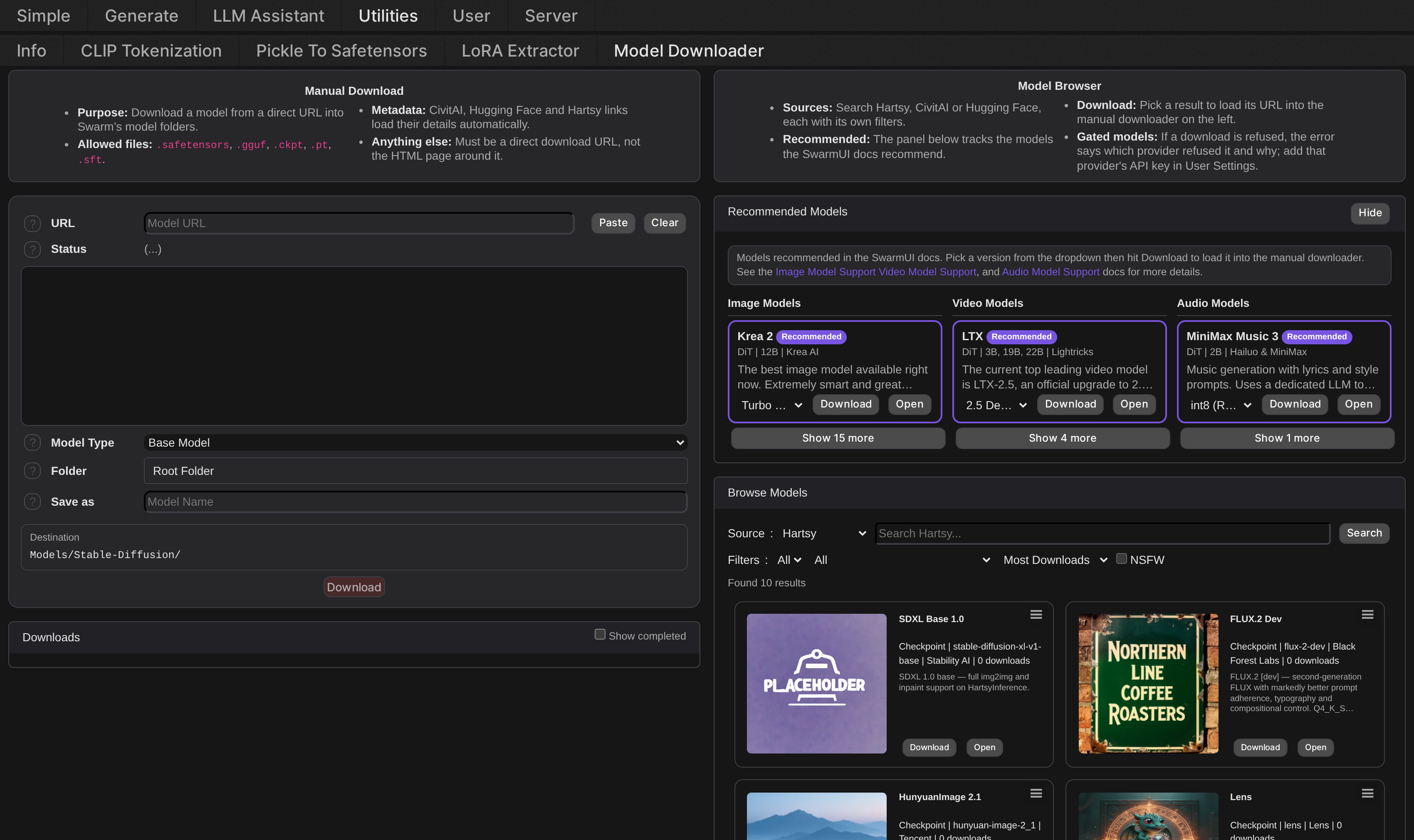
The Model Downloader tab with the browser on the right.

A full featured model browser for SwarmUI's Utilities > Model Downloader tab. Search, preview and download models from CivitAI, Hugging Face and Hartsy without leaving SwarmUI or hand-typing a URL.

This enhances SwarmUI's built in downloader rather than replacing it. The manual URL workflow on the left is still core SwarmUI, just reorganized and given a folder browser and a destination preview. The model browser on the right is new.

The model browser

Switch between Hartsy, CivitAI and Hugging Face with a dropdown; each keeps its own search and filter state. Filters cover model type or architecture, base model, sort, tags, and NSFW on CivitAI only. Pagination follows whatever the active provider's API uses, page based or cursor based.

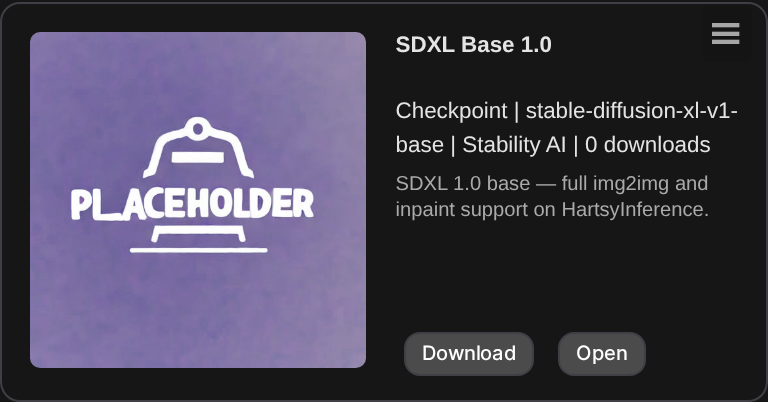
Model cards carry a thumbnail, title, creator, download count and type and base-model badges, plus a version and format picker on cards with more than one downloadable file. Click a card's thumbnail, or its Download button, to load that exact file's URL straight into the manual downloader on the left.

A single model card, with its version and format picker.

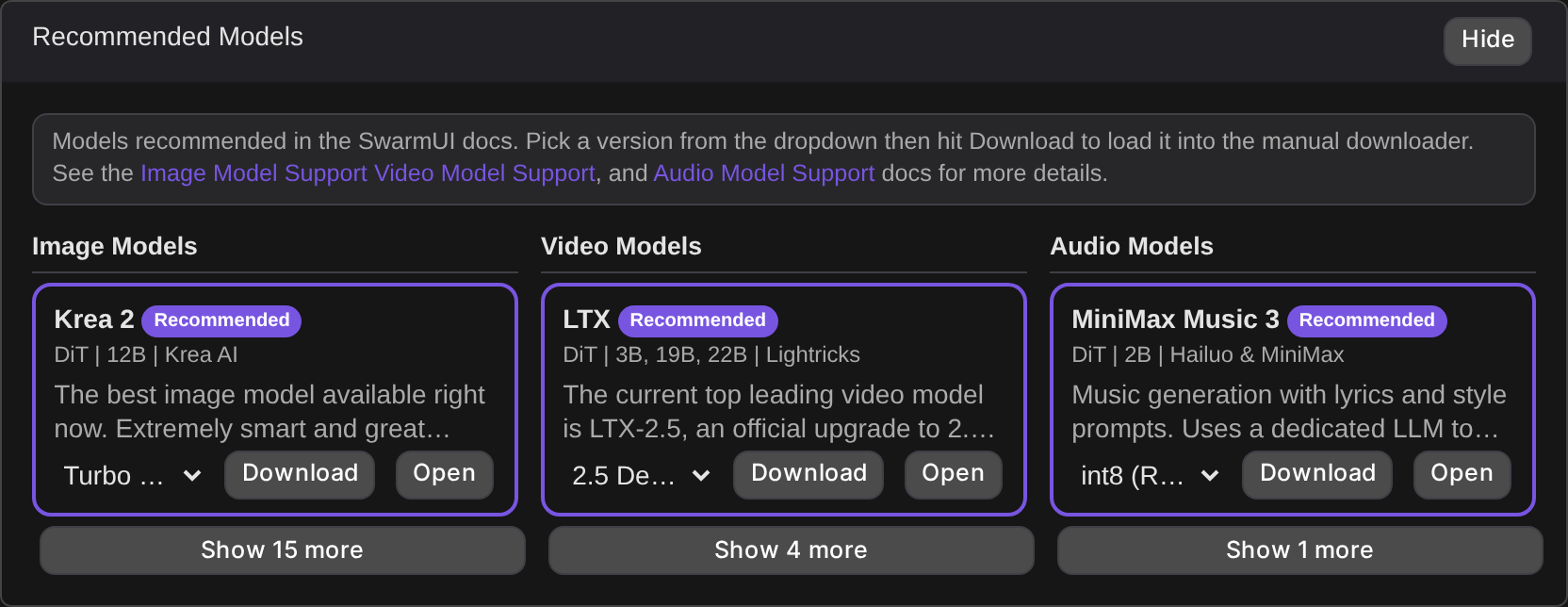
Recommended Models

A curated panel pulled from the SwarmUI docs' own Image, Video and Audio model support pages. Three columns, each model showing its architecture, scale and author with a variant dropdown covering FP8, BF16, GGUF, NVFP4 and LoRAs. Pick a variant and press Download to load it into the manual downloader, or Open to view the source page. Current top picks carry a Recommended badge. The panel and each column's overflow are independently collapsible and remember their state.

The Recommended Models panel, mirroring the SwarmUI docs.

Folder browser and destination preview

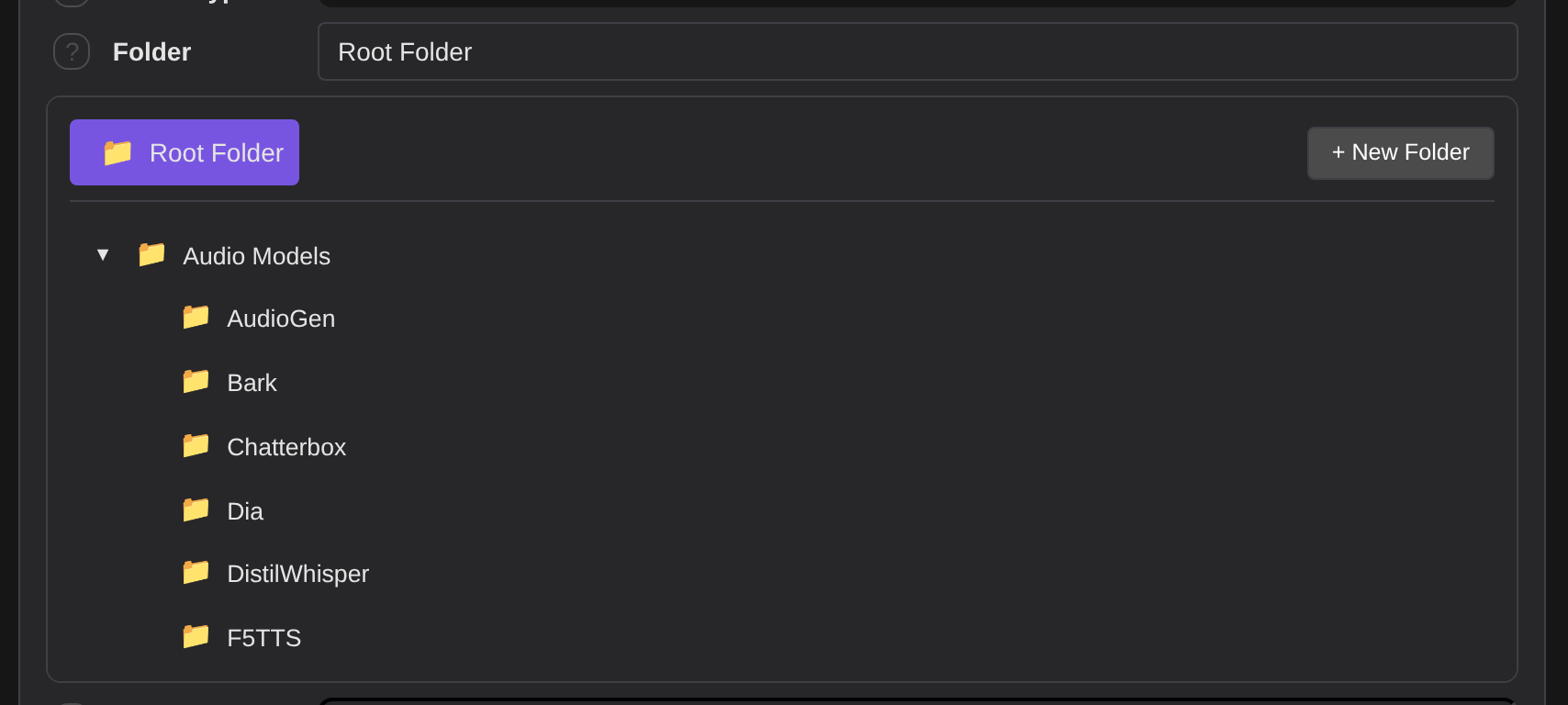
The folder browser widget

A collapsible tree of your existing model folders replaces core's flat Folder dropdown and sits in the same field row. Expand and collapse branches, or create a subfolder with + New Folder without leaving the page.

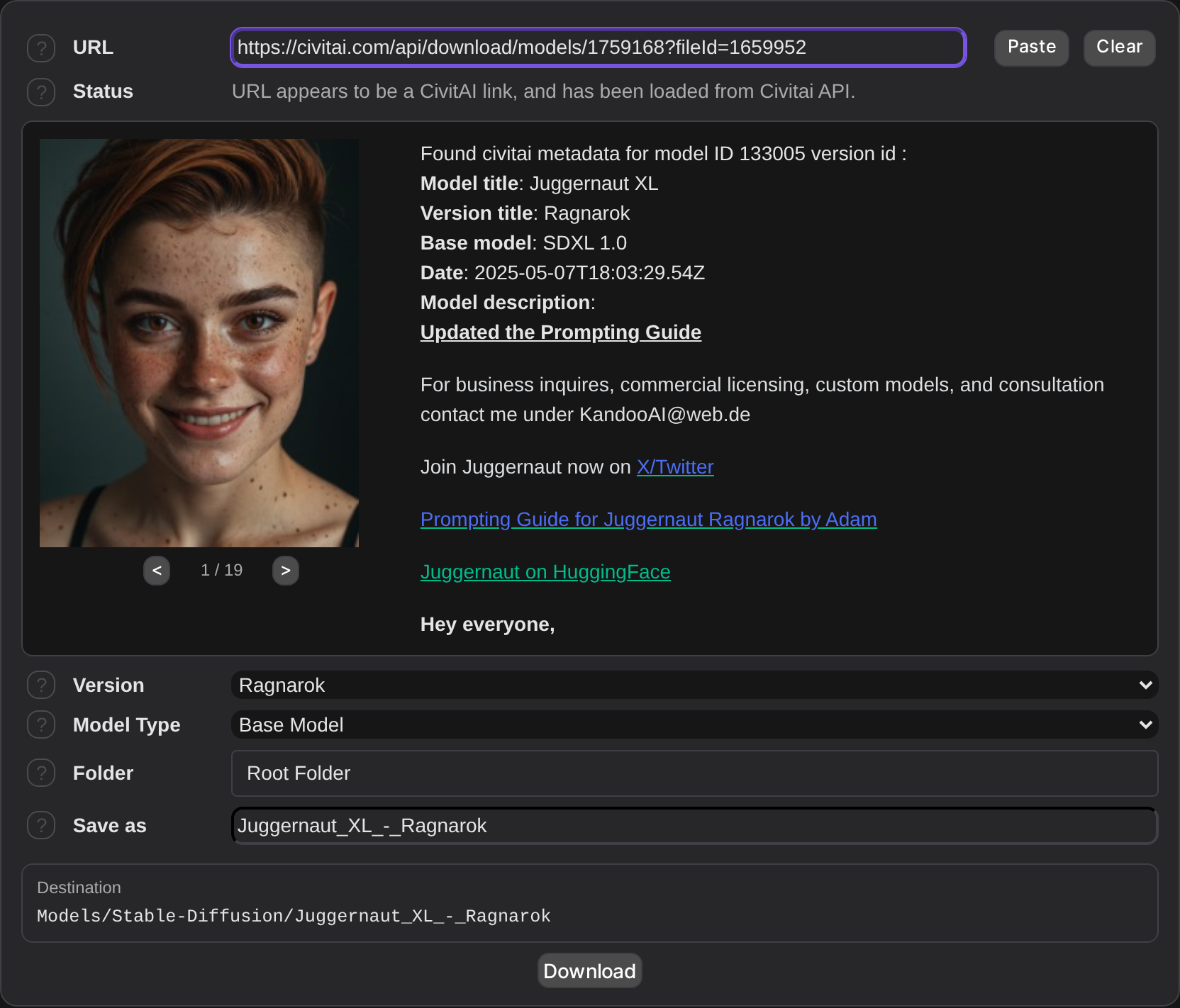
Alongside it, a live destination path shows exactly where the file will land, updating as you change type, folder and name. It is shown relative to your model root, as Models/Lora/MyModel rather than an absolute path, so a shared instance does not print the server's filesystem layout to every user.

Downloads that survive a restart

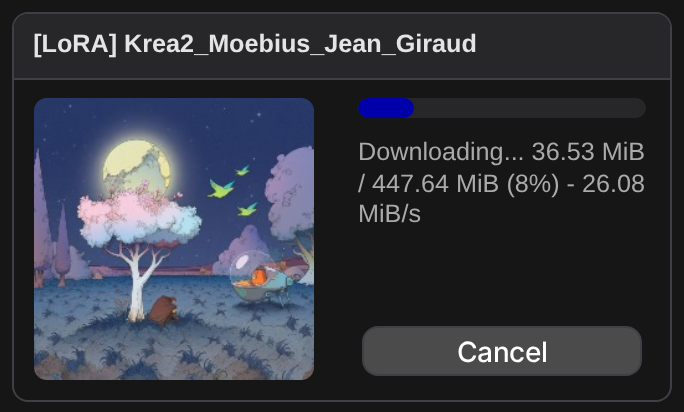
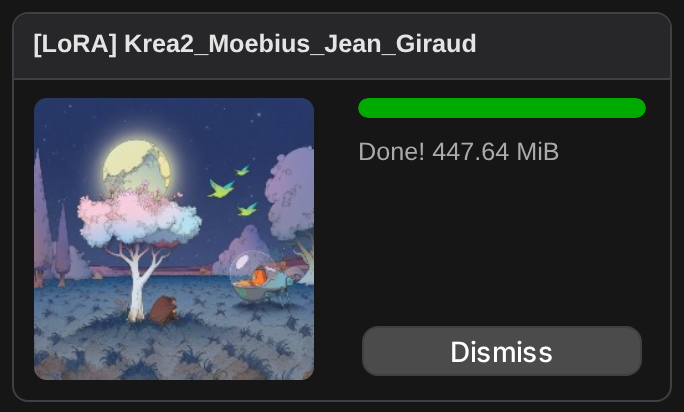
Download state is persisted server side, so a SwarmUI restart mid-download leaves it paused rather than lost. Pause, resume, retry and clear all work per download from the Downloads list under the manual downloader, and each entry shows bytes transferred, percentage and speed where the server reports a total size.

A download refused with a 401 or 403 shows the provider's own stated reason and which API key to set, using core SwarmUI's shared download error handling, plus a direct link to User Settings.

Manual downloader with CivitAI metadata loaded
A download in progress, showing bytes, percentage and speed.
A finished download. Completed entries are hidden unless you tick Show completed.

Providers

Provider Search Filters NSFW Pagination API Key
Hartsy Yes Architecture, tags, sort No Page-based Optional
CivitAI Yes Type, base model, sort, period, tag, username Yes, permission-gated Cursor or page Optional
Hugging Face Yes Pipeline tag, library, sort, author No Cursor-based Optional

Every provider works anonymously out of the box. A key raises rate limits and unlocks gated content, and is set under User > User Settings.

Hartsy

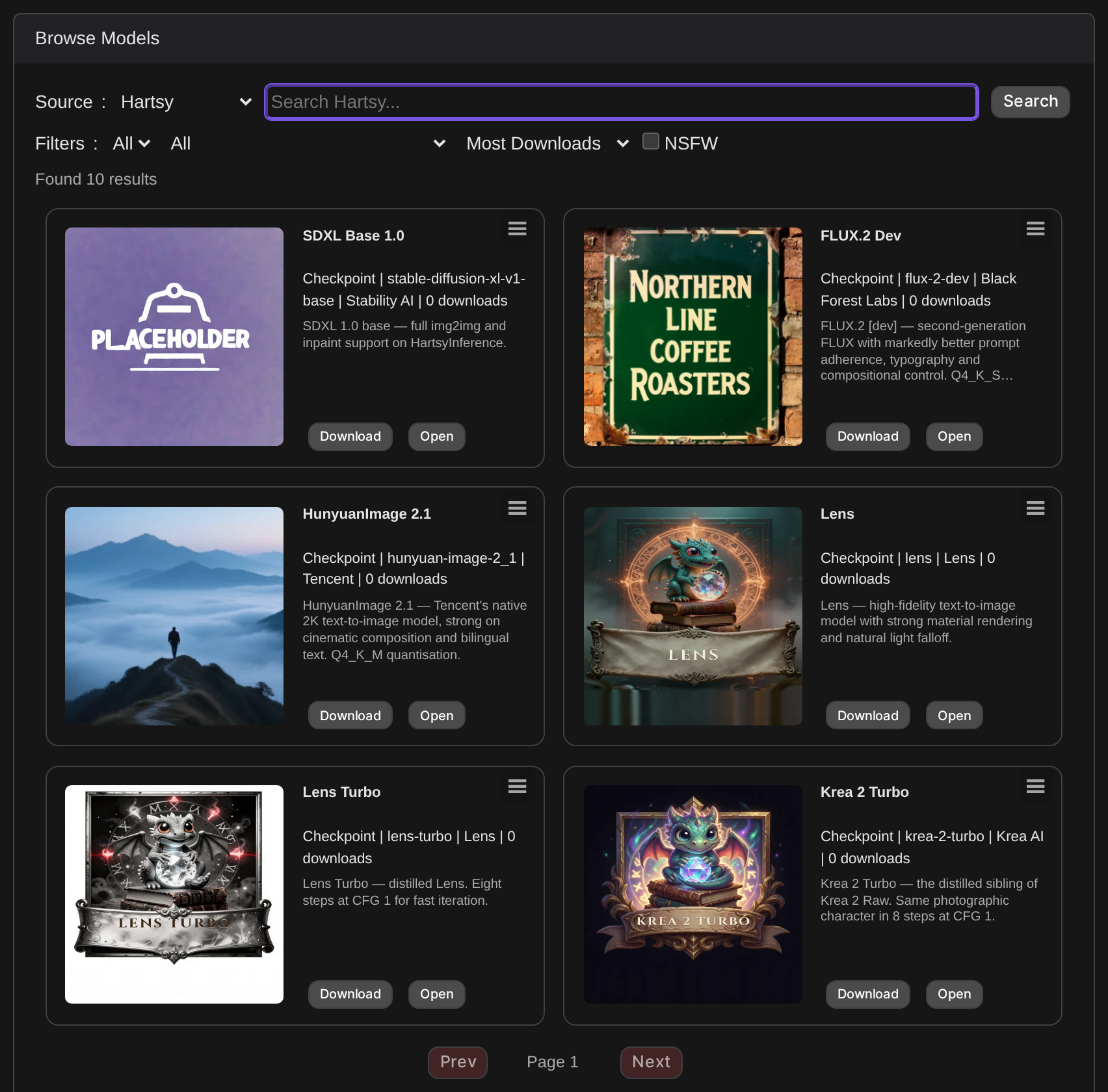
Hartsy browse results

Hartsy is a curated model repository being built by the team behind this extension, and is the default provider when the browser loads. It is not yet publicly released, so while it is in this pre-release state the catalog holds base model repackages, SDXL, FLUX.2, Krea 2 and HunyuanImage among them, rather than community finetunes or LoRAs. Browsing and downloading work today; expect the catalog to grow once the site is live.

A pasted Hartsy model link resolves through the Hartsy API automatically, the same way a CivitAI link does. If a model has no direct download link yet, the manual downloader says so explicitly and disables the Download button rather than failing silently.

CivitAI

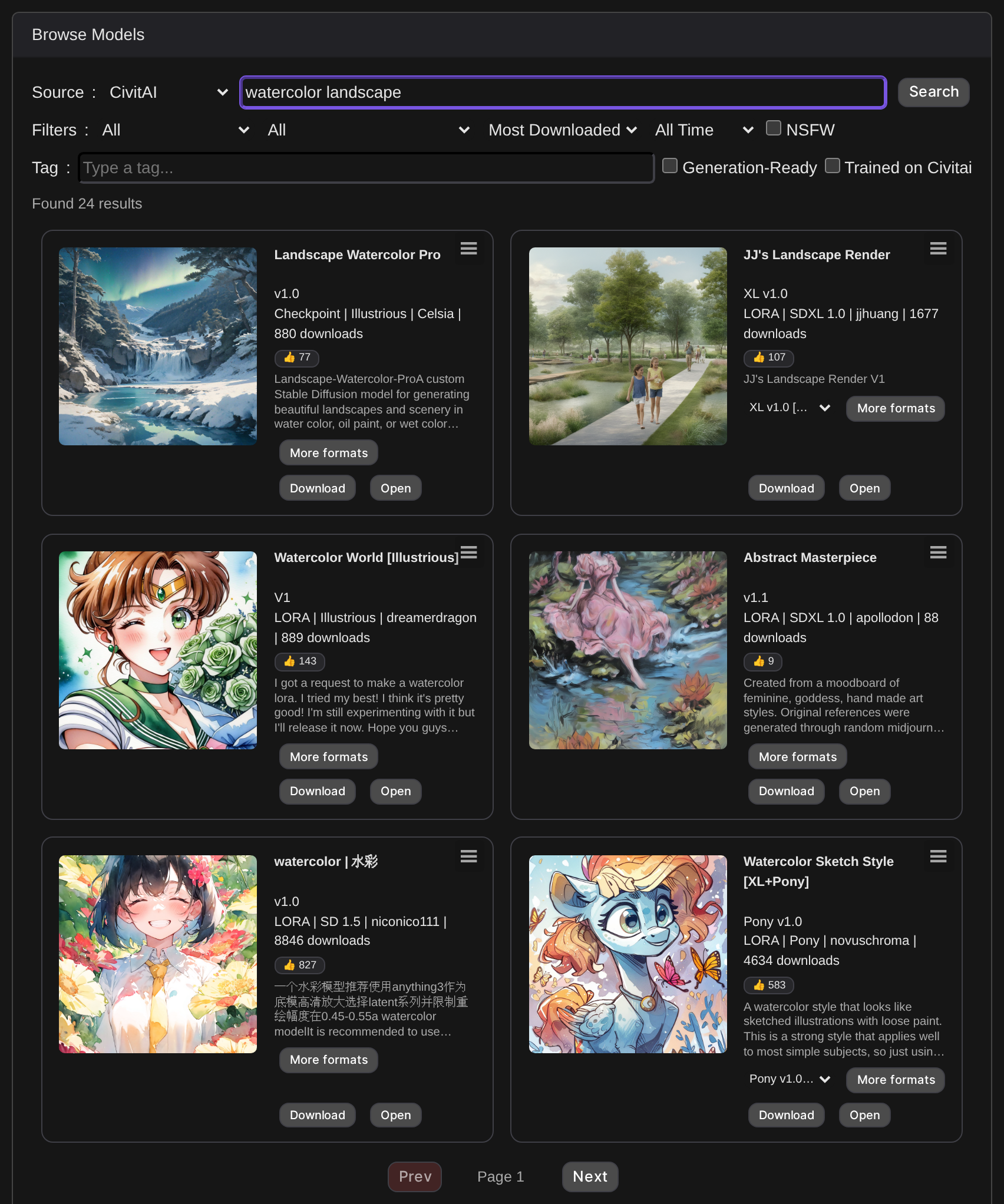
CivitAI is the largest community model repository. Filters cover type, base model, sort, time period, tag and username, and a @username in the search box is parsed straight out of it.

Browsing without a query uses page based pagination; searching by name uses CivitAI's cursor based pagination. NSFW results require the enhanced_downloader_nsfw permission and the NSFW checkbox, and with both, requests route through civitai.red instead of civitai.com. File selection prioritises .safetensors.

CivitAI browse results

Hugging Face

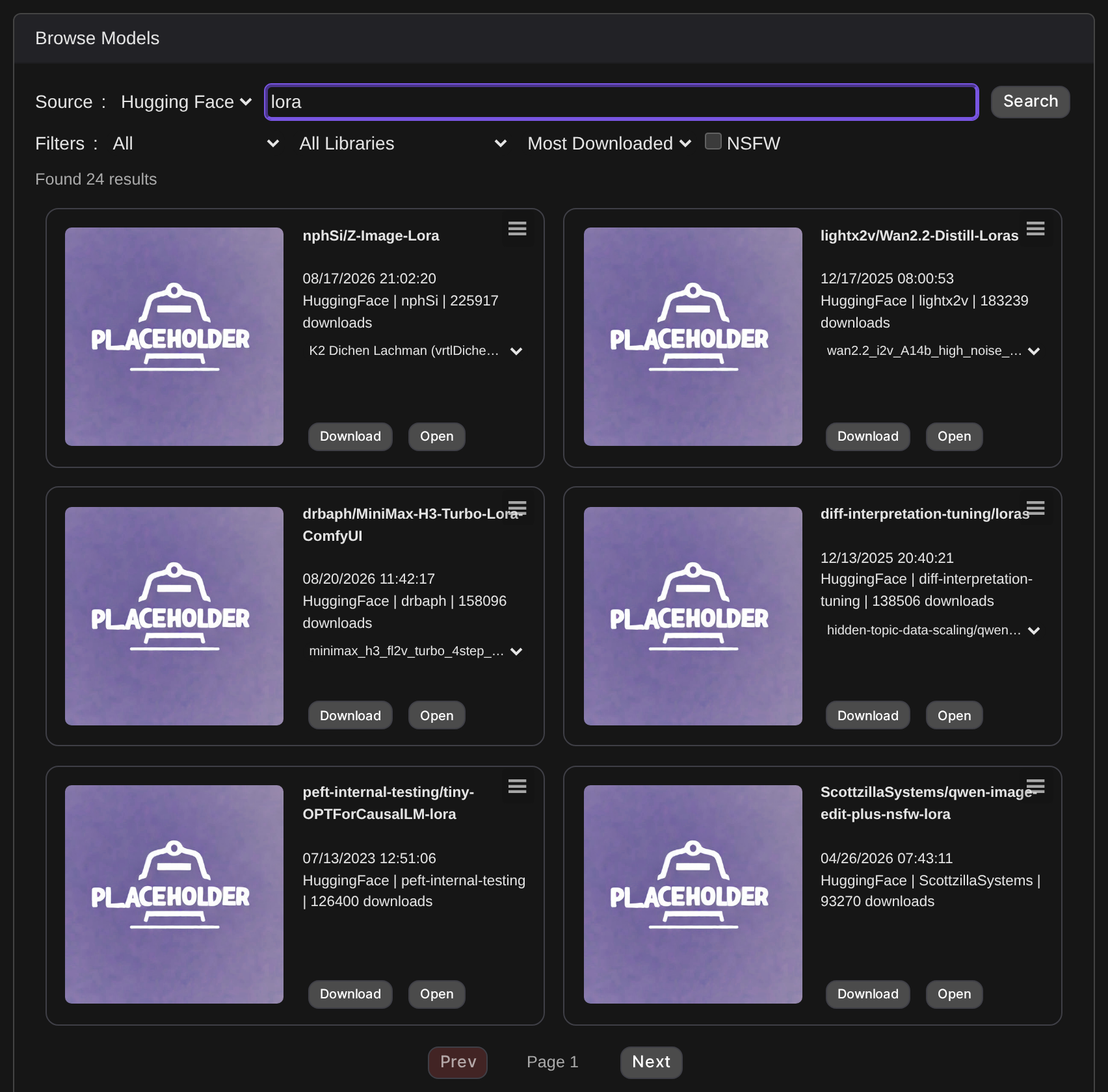
Hugging Face browse results

Hugging Face hosts a huge range of ML models. Filters cover pipeline tag, library, sort and author.

Preview images are fetched lazily with a multi-strategy lookup, common filenames first, then the repo's file listing, then parsing the README, so a thumbnail may take a moment to appear or may not exist for every repo. File listings are filtered to model-relevant extensions and show file size, and an API token unlocks gated or private repos.

Network, permissions and caching

The extension talks to external hosts only when you actively search, browse or download through it, never in the background and never without you having initiated the action.

Host When
civitai.com / civitai.red Searching CivitAI, loading a pasted CivitAI URL, downloading a CivitAI file
huggingface.co Searching Hugging Face, loading file listings and preview images, downloading a file
hartsy.ai Searching Hartsy, resolving a pasted Hartsy link, downloading a Hartsy file

Three permissions gate the extension, all defaulting to POWERUSERS: enhanced_downloader for base access, enhanced_downloader_browse for searching, and enhanced_downloader_nsfw for NSFW results. Starting, resuming, cancelling or clearing an actual download uses SwarmUI core's own Permissions.DownloadModels instead, so a user needs that regardless of whether they can browse.

Search results are cached 60 seconds per provider and query, Hugging Face preview images 5 minutes, and model folder paths 30 seconds. Per-provider concurrent request caps, 3 for CivitAI and Hartsy, 5 for Hugging Face, keep a burst of card renders from hammering an upstream API.

Troubleshooting

A download is refused with a 401 or 403

The failure message names the provider that refused it, quotes the reason that provider gave, and says whether an API key was sent. Add or check that provider's key in User Settings, then Retry from the Downloads list.

No search results

Check your connection, try a different query or loosen the filters, and check SwarmUI's logs for the underlying API error. For CivitAI, confirm your API key if you are after gated content.

The browser panel is missing

Confirm the extension is enabled under Server > Extensions and restart SwarmUI after enabling it. A browser hard refresh alone is not enough after an extension JS or CSS change: SwarmUI reads those files once per launch and serves them from memory, so the server has to restart first.

Preview images are missing

Hugging Face images are fetched lazily and are not guaranteed for every repo, and CivitAI images depend on what the model author uploaded. Check the browser console for fetch errors if one seems stuck.

Comments

Your avatar